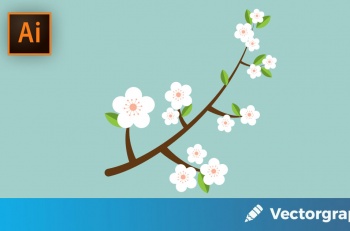
Create a Simple Flower with the Effects Panel
Here is a very short tutorial about how to create a Simple Flower using only the Basic Tools and the Distort & Transformation Effects.

Here is a very short tutorial about how to create a Simple Flower using only the Basic Tools and the Distort & Transformation Effects.
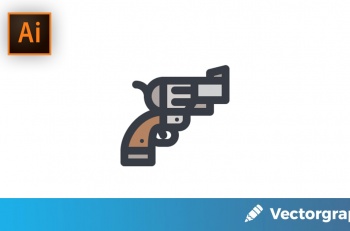
Welcome back to another quick icon tutorial in which we will take a look behind the process of creating a cute little revolver pistol.

In the following Adobe Illustrator tutorial you will learn how to create a Shopping Paper Bag. We’ll use basic tools, a bunch of gradients, Blending Modes, Clipping Mask and some basic effects.
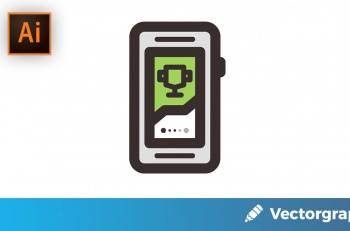
In today’s tutorial, we’re going to explore the process of creating a fitness tracker icon, using some of Illustrator’s most basic shapes and tools.
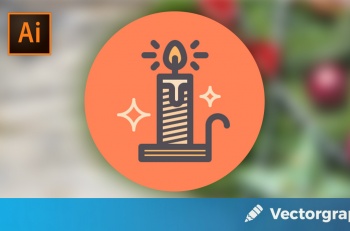
In today’s tutorial we’re going to celebrate the spirit of Christmas by learning how to create a cute little candle icon, using some basic geometric shapes and tools found within Illustrator.

We want to wish you Happy New Year and thank you for reading Vectorgraphit! We are looking forward to giving you more tutorials and even more free vectors in 2018.

In this tutorial we will learn how to create a happy New Year greeting card in Adobe Illustrator.
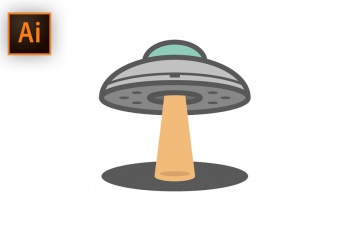
In this tutorial, we’re going to put our tin foil hats on, and examine the process of creating a UFO icon, using some of Illustrator’s basic geometric shapes and tools.