Create a Computer Peripherals Icon Set – 5th Part – Printer Icon
This Adobe Illustrator tutorial is the 5th part of a series of tutorials which help you learn how to create a Printer Icon using some basic geometric shapes.

This Adobe Illustrator tutorial is the 5th part of a series of tutorials which help you learn how to create a Printer Icon using some basic geometric shapes.
In this Illustrator tutorial, I am going to show you how to use Transfuchsian’s hand drawn sketch brushes to quickly draw out a bowl of hand drawn noodles. Before we begin, you will need to purchase and download Transfuchsian’s sketch brushes. You can pick them up …
This Adobe Illustrator tutorial is the 4th part of a series of tutorials which help you learn how to create a Computer Peripheral Icons using some basic geometric shapes. This tutorial is about creating an USB Stick Icon.
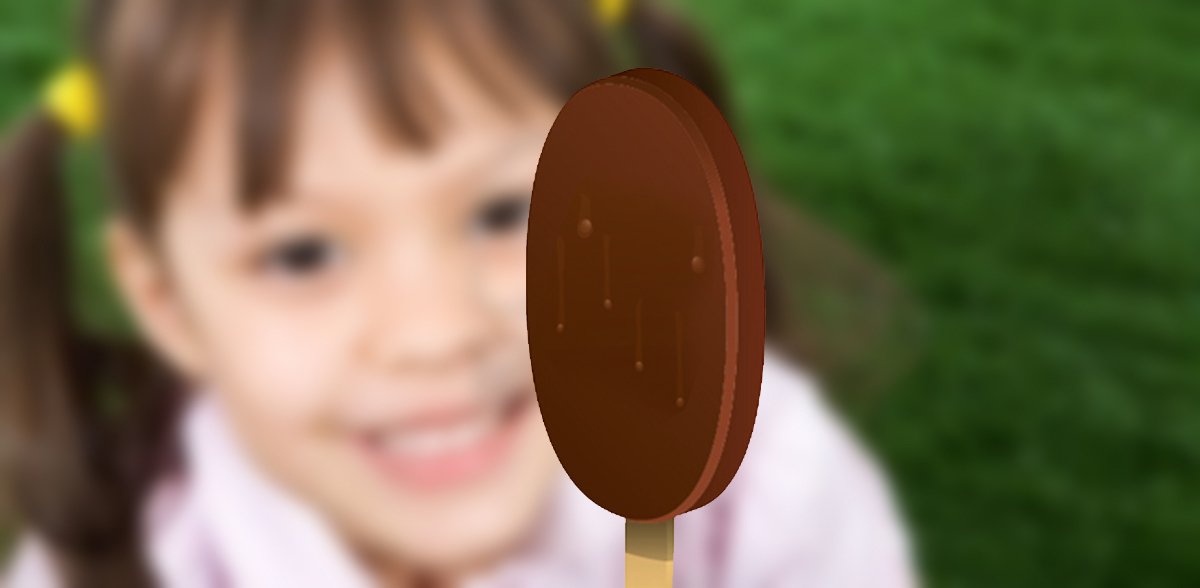
In this tutorial, you will learn how to create a tasty chocolate ice cream in Adobe Illustrator. You will learn how to draw basic shapes, modify them and apply gradient for more realism.
This tutorial is the third part of a short series of tutorials which help you learn how to create a Computer Peripheral Icons using some basic geometric shapes in Adobe Illustrator.
Read the second part of a short series of Adobe Illustrator tutorials which help you learn to create a Computer Peripheral Icons using some basic geometric shapes.
In today’s Adobe Illustrator tutorial we’re going to take an in depth look at the process of creating some Computer Peripheral Icons using some basic geometric shapes that we’re going to adjust here and there.
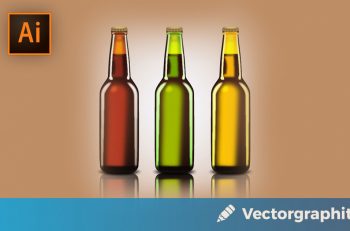
In this tutorial, I’ll show you how to create three glass beer bottles in Adobe Illustrator. We’ll use some simple shapes and tools that you would normally use on a daily basis to achieve the final result. Hopefully, you will learn some handy tips along the …